Divvy
DivvyBest Travel Group App in 2026: 10 Tools Compared
By The Divvy Team · October 16, 2026 · 20 min read
Five people are heading out for a long weekend. The plan lives in one group chat, restaurant suggestions are buried in another, and the receipts are scattered across three phones. Someone paid for the first dinner, someone else covered the taxi, and one person still owes money from the night before.
That's why choosing a travel group app isn't as simple as finding the one with the longest feature list. Most group trips need two separate jobs: planning the trip and settling the money. A few tools help with both, but each usually handles one job better than the other.
This comparison organizes the category by what the app does: building an itinerary, finding and routing stops, or managing shared expenses. It also separates per-receipt bill splitting from running-ledger expense tracking. Those workflows aren't interchangeable. Divvy belongs in the first category for iPhone users. It scans an itemized bill, assigns items, calculates proportional tax and tip, and sends payment requests. It isn't a replacement for a full itinerary planner.
Use this guide alongside a practical group trip organization guide, then choose the smallest stack that fits your group. Every app below has a clear use case and a point where it stops being the right tool.
Table of Contents
- 1. Wanderlog
- 2. TripIt
- 3. Travefy
- 4. Google Maps for lists and group planning
- 5. Roadtrippers
- 6. Splitwise
- 7. Tricount
- 8. Settle Up
- 9. Splittr
- 10. TravelSpend
- Top 10 Travel Group Apps Comparison
- Matching Your Travel Group App Stack to the Trip You Are Taking
1. Wanderlog
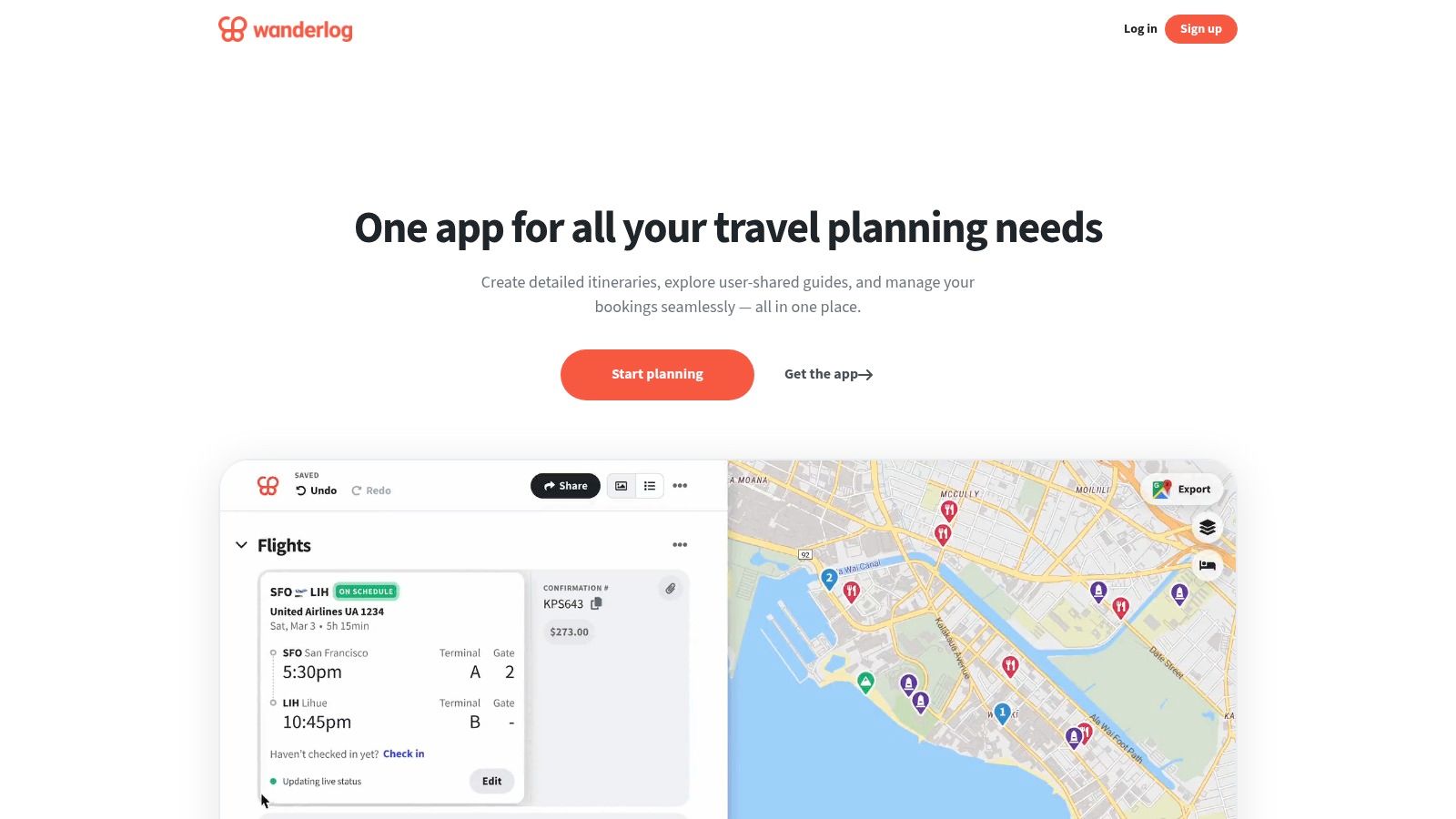
Wanderlog is one of the strongest choices when the group wants to build the trip together rather than hand itinerary control to one organizer. Friends can add destinations, restaurants, activities, reservations, notes, and stops to a shared plan, then view them on a map. The web and mobile apps make it accessible to people who don't want to manage a trip entirely from a phone.
The free core is particularly useful for groups because it supports unlimited trips and collaborators. That removes a common adoption problem: the organizer doesn't have to decide which friends are worth inviting or ask everyone to pay before they can contribute. A group can start with a rough list of ideas and gradually turn it into a day-by-day plan.
Where Wanderlog works best
Use it for city breaks, multi-stop holidays, and trips where several people want a voice in the itinerary. Its reservation storage, checklists, map view, and budgeting features put the practical details in one place without forcing the group into a spreadsheet.
The weakness appears when the plan becomes crowded. Wanderlog has a useful set of power features, but new users may need time to understand how the itinerary, map, reservations, and budget views relate to one another. Some conveniences, including dark mode and other advanced tools, sit behind the Pro tier.
Practical rule: Give the group one person responsible for cleaning up duplicate ideas and confirming decisions. Collaboration is helpful, but an unedited shared plan can become another version of the group chat.
Wanderlog can support basic expense planning, but it isn't the best choice for settling an itemized restaurant bill while everyone is still at the table. Pair it with a dedicated money tool if the trip includes frequent shared meals or purchases.
2. TripIt
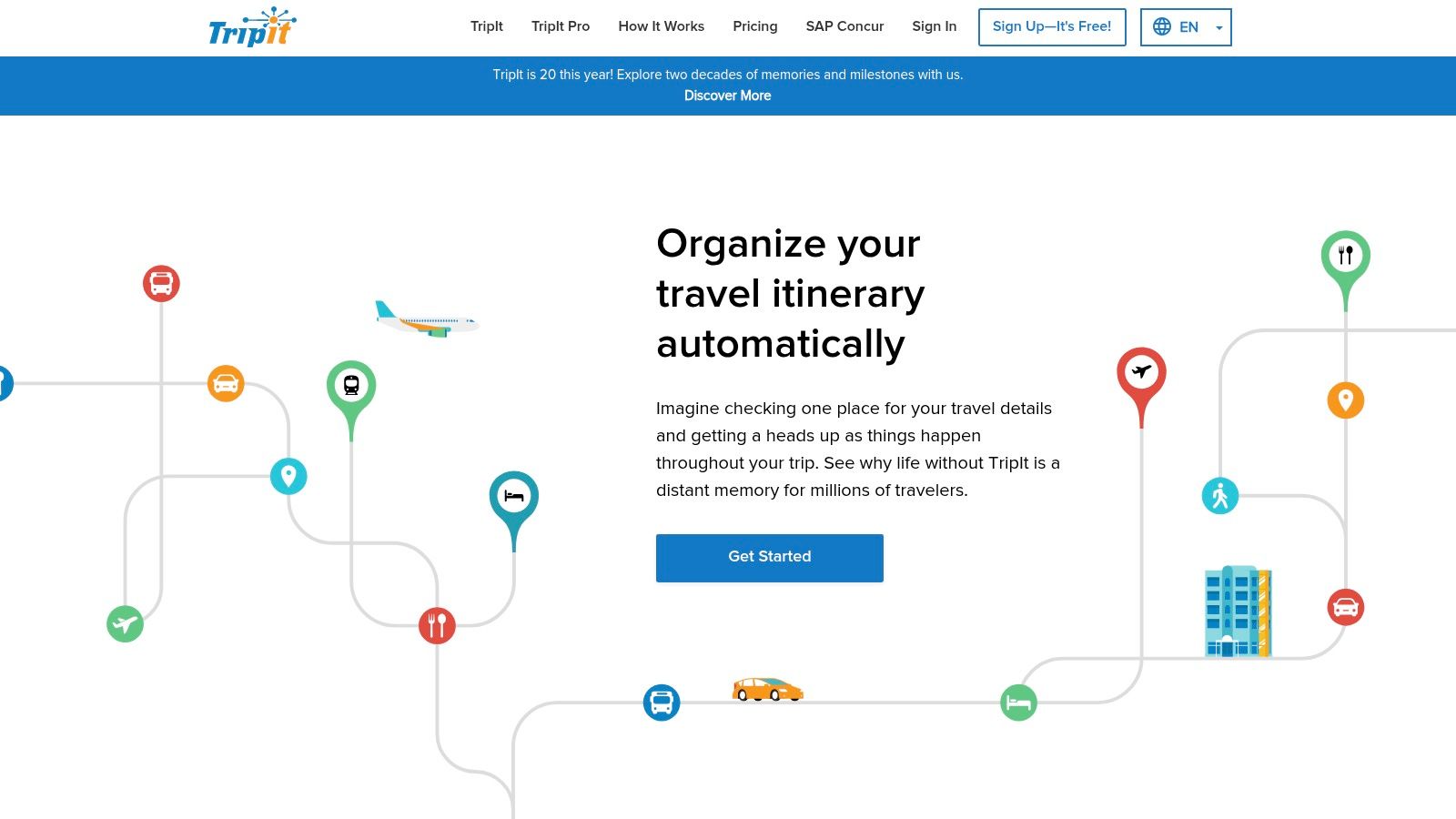
TripIt solves a narrower problem, and that focus is its strength. Forward booking confirmations to the service, and it assembles flights, hotels, rental cars, and other reservations into a master itinerary. Instead of asking every traveler to search through email for the latest confirmation, the organizer can share a consolidated plan.
That makes TripIt a good fit for groups with complicated bookings. It provides a common reference point when different people book through different airlines, hotels, or travel sites. Calendar synchronization and trip sharing also help members keep the core schedule visible without repeatedly copying details into a chat.
The limit is collaboration depth
TripIt is primarily an itinerary organizer, not a shared planning workspace. It excels at collecting confirmed arrangements, but it isn't designed for a group to debate restaurants, assign responsibilities, or negotiate optional activities in the same way Wanderlog is.
The free version handles the core itinerary workflow. TripIt Pro adds real-time flight alerts and other travel-focused features, so check whether those alerts justify the upgrade for your specific trip. If one traveler wants a polished record of confirmed bookings and nobody needs collaborative expense management, TripIt may be enough.
It also won't solve the dinner problem. The itinerary can tell everyone where the group is eating, but it doesn't determine who ordered which dish or chase reimbursement afterward. Use a separate expense app for that work.
3. Travefy
Travefy is built for professional organizers rather than casual friends deciding where to eat. Travel advisors, retreat organizers, and group coordinators can create polished, mobile-friendly itineraries and share them through an app or web link. Its drag-and-drop builder is aimed at producing a client-ready result, not just a private list of ideas.
That distinction matters. A cruise organizer, wedding planner, or advisor managing a group may need a consistent presentation, traveler information collection, and a reliable way to distribute updates. Travefy gives the organizer more control over the finished experience than a general-purpose planning app.
Who should pay for it
Travefy is overkill for a few friends planning a weekend away. Its business orientation means the subscription cost and setup effort make more sense when the itinerary itself is part of an organized service or event.
The platform is useful when presentation, branded communication, and traveler coordination matter as much as the schedule. It can collect information from travelers and deliver a polished plan for groups, cruises, and retreats. Those strengths don't make it a money-management tool, though.
A casual group may also struggle with ownership. If one person builds everything in Travefy, other travelers may consume the itinerary without helping maintain it. That can be fine for a professional organizer, but it defeats the purpose of collaborative planning among friends.
Use Travefy when someone is acting as a true trip coordinator. Choose Wanderlog or Google Maps when the group wants lightweight participation without a professional workflow.
4. Google Maps for lists and group planning
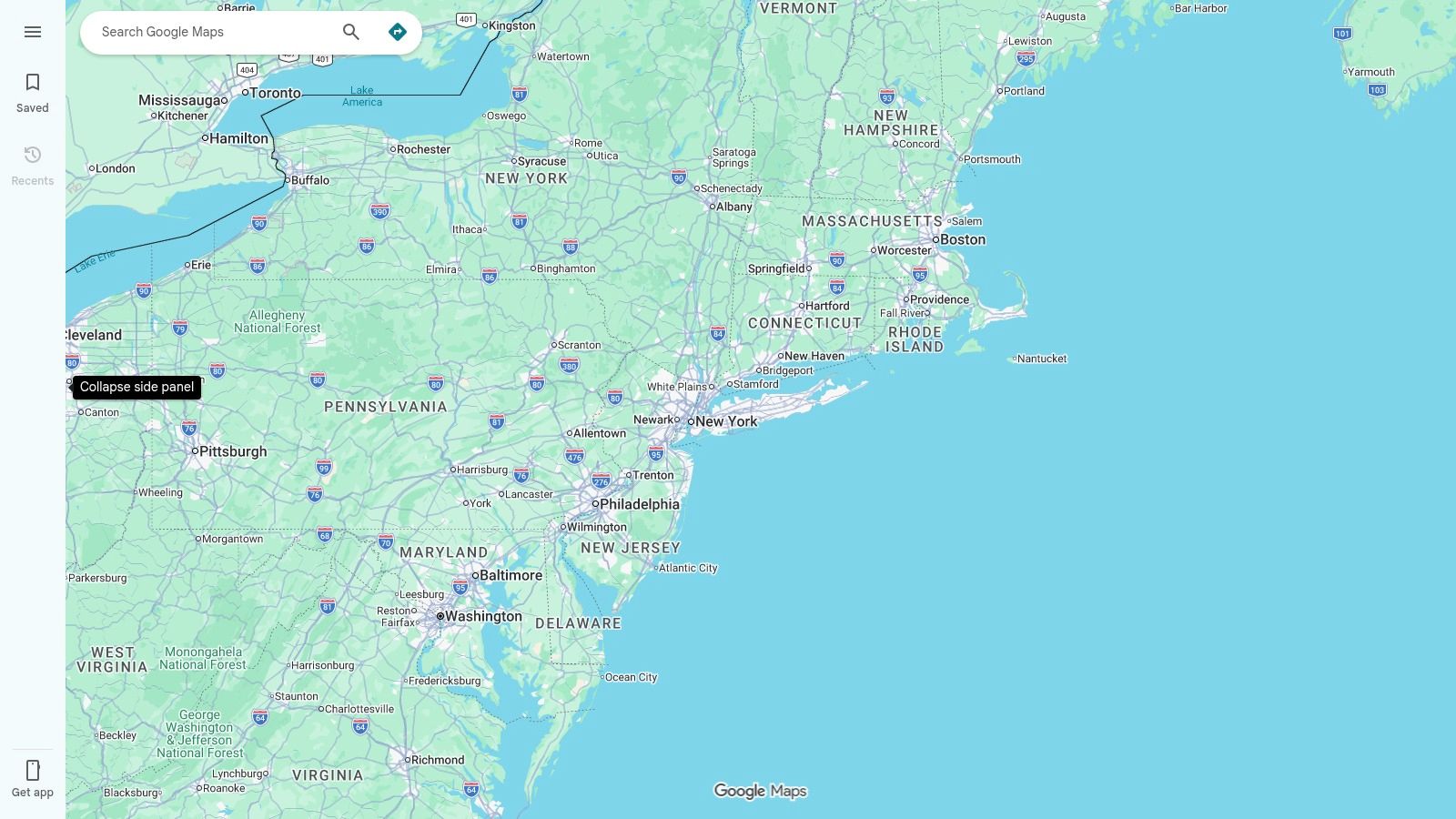
Google Maps is not a dedicated travel planner, but that's exactly why it often gets adopted. Most groups already know how to search for a restaurant, save a place, send a location, and share an arrival time. A collaborative List can collect restaurants, attractions, shops, and other stops before the itinerary exists.
Groups can also use voting to narrow suggestions. That works well for the early stage of planning, when the core problem is not building a schedule but getting everyone to choose between several plausible options. During the trip, live location or arrival-time sharing can help members coordinate without another specialized app.
Why it stops short of being a trip system
Google Maps doesn't replace a day-by-day itinerary, reservation manager, or expense ledger. A saved place tells you where something is, but not necessarily who booked it, what time the group must arrive, or who paid the deposit.
Its collaboration features can also change as the product evolves. That makes it a dependable map and a useful coordination layer, but a less dependable single source of truth for a complex trip.
Use Google Maps when adoption friction is the main risk. It's especially effective for a day out, a city neighborhood, or a road-trip idea board. For a multi-day trip with bookings and responsibilities, pair it with a dedicated itinerary tool.
5. Roadtrippers
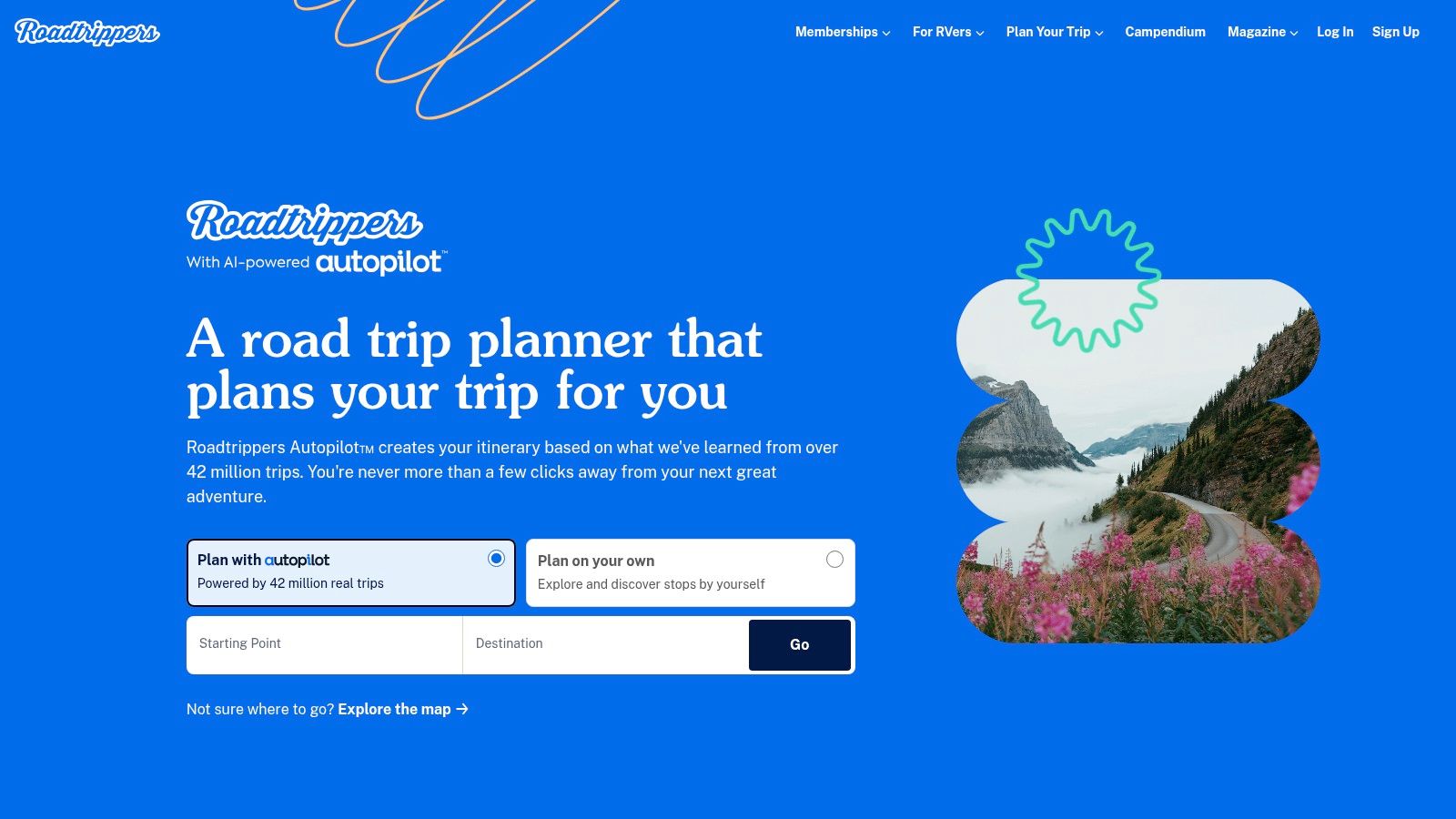
Roadtrippers is the specialist option for groups whose trip is defined by the journey between destinations. It helps travelers add points of interest, discover scenic stops, and organize multi-stop routes. That's different from placing locations on a map. The route itself becomes part of the plan.
For a U.S. road trip, this can save the group from building a route manually across several map tabs. Travelers can contribute stops, compare possible detours, and decide whether a place is worth the time it adds to the drive. The web planner and mobile apps support different planning habits, so the person researching at a laptop can still work with the person navigating from a phone.
Collaboration has a paywall
Roadtrippers places group collaboration among its paid membership features. Invitees may be able to participate without holding their own membership in some situations, but the organizer should confirm the current access rules before building the entire trip there. The free tier is also limited for complex routes.
That trade-off is reasonable when routing is the central job. It's less attractive when the group only needs a shared list of places and a basic map. Roadtrippers also won't manage restaurant receipts, deposits, or who owes the driver for fuel.
A route planner can tell you which stop comes next. It can't tell you who covered the reservation.
Choose Roadtrippers for a genuine road trip with multiple stops and discovery as part of the experience. For air travel and city-based trips, Wanderlog or TripIt will usually be a better fit.
6. Splitwise
Splitwise is a running ledger. One person records an expense, assigns participants, and the group sees how balances change over the course of the trip. That model works well when the same travelers share accommodation, taxis, groceries, tickets, and meals across several days.
Its biggest advantage is familiarity and platform coverage. Mixed iPhone and Android groups can participate, and the app also works across the web. It makes sense for trips where the organizer wants to track who paid what and settle the overall balance later rather than request payment after every purchase.
Ledger tracking versus bill settlement
A running ledger is not the same as per-receipt splitting. Splitwise can represent shared costs, but the experience is centered on cumulative balances. That can be useful when one person pays repeatedly, but it can feel slow when everyone is sitting around a restaurant bill and wants an exact item-level breakdown immediately.
The free core is suitable for basic group expense tracking. Pro adds features such as receipt scanning, currency conversion, and itemization. The Splitwise Card is also available in some regions, so availability and terms should be checked before treating it as part of the trip setup.
For a closer look at the workflow differences, see this Splitwise alternative for receipt-level splitting.
Splitwise is a sensible choice for long trips, shared household costs, and groups comfortable settling near the end. It is less suitable when the priority is assigning every dish, allocating tax and tip, and sending a payment request before the group leaves the table.
7. Tricount
Tricount keeps group expense sharing relatively simple. Create a trip or event, add expenses, assign participants, and review who should settle with whom. It has been used widely for travel and works well for groups that want an expense tool without adding itinerary features they won't use.
The app's clean scope is useful during a busy trip. Nobody has to maintain a full schedule just to record a shared taxi or hotel deposit. Currency handling and straightforward settlement are also relevant for international groups, although travelers should still verify how exchange rates and final settlements work for their situation.
Good for basics, not trip planning
Tricount focuses on expenses only. It won't hold flight confirmations, map the day, or help a group vote on activities. That limitation is also its appeal for travelers who already have those jobs covered elsewhere.
Some banking integrations, including bunq account linking, depend on the region. Don't assume that a payment connection available to one traveler will be available to everyone in the group. The core expense workflow remains the important part to test.
The app is a reasonable fit when the group wants a shared ledger with a simple interface and fewer paywalls around the basics. For individual restaurant bills, though, a per-receipt tool can be faster because the group can assign items and request exact shares instead of adding another entry to a running balance.
Read this overview of a bill-splitting app for shared travel costs before choosing between those workflows.
8. Settle Up
Settle Up is designed for groups that need clear balances across platforms. It supports web, iOS, and Android, which helps when a trip includes travelers who use different devices. Smart settle-up suggestions can reduce the number of payments needed, while categories help the organizer understand what the group has spent.
This makes it more useful for structured expense tracking than for casual one-off reimbursement. A group can maintain a record of accommodation, transport, food, and activities, then review the balance before settling. The export and reporting tools are particularly relevant when the organizer needs to retain records after the trip.
Reporting comes at a cost
Settle Up keeps the itinerary problem separate. It won't tell the group where to go next or store a complete reservation timeline, so pair it with a planning app rather than trying to turn it into one.
Some advanced features, including Excel or .xlsx export, are part of Premium. That may be worthwhile for a larger group, a recurring travel club, or anyone who needs a clean record for reconciliation. For a short weekend with a few shared purchases, the upgrade may add more process than value.
The key decision is whether the group needs a ledger and a report. If the answer is yes, Settle Up has a coherent role. If the group mainly needs to split restaurant receipts as they happen, look for item assignment and direct payment requests instead.
9. Splittr
Splittr is built around the realities of travel rather than household budgeting. It supports offline expense entry, multiple currencies, and exports such as CSV and PDF. That offline focus matters when a group is moving between destinations, using unreliable data, or trying to record a cost immediately instead of reconstructing it later.
Setup is also designed to be quick. Travelers can start a trip without mandatory registration, which lowers resistance when the app is introduced halfway through the journey. For a group that wants to record expenses without building an elaborate shared workspace, that simplicity is useful.
Check the relaunch status before relying on it
Splittr is being relaunched with new iOS and Android versions in 2026, so availability and features may evolve. That makes it a tool to test before departure, not an app to install for the first time after the group has already started spending.
Historically, Splittr has focused on a paid, travel-specific experience. Its appeal is strongest for travelers who care about offline access, currencies, and exports more than social planning features. It doesn't build itineraries, route stops, or manage reservations.
Use it for a mid-trip expense record when the group wants travel-specific accounting without a mandatory account flow. If a dinner needs immediate item-level settlement, it still has a different job from a receipt scanner that sends requests directly through familiar payment services.
10. TravelSpend
TravelSpend is aimed at travelers who need to understand spending by trip, country, and category. That makes it a better match for backpacking, multi-country travel, and longer journeys than for a single dinner or day out. Multi-currency support and offline functionality help keep the record usable while the group moves between destinations.
The country and day views give the organizer context that a basic running ledger may not provide. Instead of seeing only a list of reimbursements, the group can review how spending is distributed across locations and categories. That can support better decisions when the trip budget is changing.
Choose it for analysis, not instant settlement
TravelSpend isn't an itinerary planner, and it isn't primarily a per-receipt bill-splitting tool. Some features require a Premium purchase, so confirm what the free version includes before asking the entire group to depend on it.
Its strongest use case is a trip where the organizer wants a durable spending picture across countries and days. For a city break with occasional shared bills, that may be more tracking than the group needs. A receipt-focused app will usually involve less maintenance when the immediate question is who owes what for a meal.
For guidance on separating trip budgeting from per-bill calculations, use this resource on calculating travel expenses.
Top 10 Travel Group Apps Comparison
| App | Core features | Target audience 👥 | UX / Quality ★ | Price & Value 💰 | Unique selling point ✨ |
|---|---|---|---|---|---|
| Wanderlog | Collaborative itineraries, maps, reservations, budgeting | Friends & casual trip planners | ★★★★, intuitive; some feature learning curve | 💰 Free core; Pro for advanced tools | ✨ Unlimited collaborators; easy co-building |
| TripIt | Auto-import bookings from email, shareable master itinerary, calendar sync | Frequent travelers & groups needing one authoritative plan | ★★★★, reliable parsing | 💰 Free; TripIt Pro adds live alerts & perks | ✨ Auto-email parsing; real-time flight alerts (Pro) |
| Travefy | Drag‑and‑drop itinerary builder, client app, collaboration for traveler details | Travel advisors & professional organizers | ★★★★, polished, professional output | 💰 Paid (business-focused); trial available | ✨ Branded, client-ready itineraries and deliverables 🏆 |
| Google Maps (Lists) | Shared place lists, voting, live trip progress | General public; zero-adoption groups | ★★★★, ubiquitous & familiar | 💰 Free | ✨ Zero friction for invitees; great for day‑of coordination |
| Roadtrippers | Discovery, multi-stop routing, group trip planning (Pro) | Road‑trip planners & explorers | ★★★☆, excellent US trip discovery | 💰 Free limited; Pro unlocks collaboration/features | ✨ Route optimization + POI discovery for road trips |
| Splitwise | Group ledgers, balances, multi-currency (Pro), receipt itemization (Pro) | Groups, roommates, trips & households | ★★★★, widely adopted; reliable tracking 🏆 | 💰 Free core; Pro subscription; regional card option | ✨ Massive user base; robust ledger and IOU flows |
| Tricount | Simple cost splitting, currency handling, quick settlement | European & international travel groups | ★★★★, mature, simple UI | 💰 Free core; some regional banking links | ✨ Straightforward splits with minimal paywalls |
| Settle Up | Cross-platform splits, smart settle suggestions, exports | Groups wanting clear balances & reports | ★★★★, flexible sharing & clear balances | 💰 Free; Premium for advanced exports | ✨ Smart settle-up suggestions + Excel exports |
| Splittr | Offline-first expense splitting, multi-currency, CSV/PDF export | Mid‑trip travelers needing offline tools | ★★★★, fast setup; offline reliability | 💰 Historically paid; relaunching (2026) | ✨ No-registration, offline use for on-the-go splitting |
| TravelSpend | Trip & country expense tracking, multi-currency, offline analytics | Backpackers & long multi-country trips | ★★★★, analytics-focused for travel budgets | 💰 Free; Premium for extra features | ✨ Per-country/day spending analytics and travel reporting |
Matching Your Travel Group App Stack to the Trip You Are Taking
The most reliable setup is usually not one all-purpose travel group app. Use one tool for planning and one tool for money, then add a routing app when the journey itself is the main event. That division keeps each app responsible for a job it can perform well.
For a short city trip, Wanderlog or TripIt can hold the schedule, reservations, and shared decisions. Pair either with Splitwise, Tricount, or Settle Up if the group wants a running ledger. Choose a per-receipt tool instead when the main friction happens at restaurants, bars, takeout counters, or activities where each person consumed something different.
Road trips need a different stack. Roadtrippers can handle discovery and multi-stop routing, while a separate expense tool records accommodation, fuel, meals, and activities. Google Maps is a practical lightweight layer when everyone already uses it, but it shouldn't be expected to replace a full itinerary or money system.
A multi-country trip adds another decision. If the group needs spending views by country, day, or category, TravelSpend is more relevant than a simple bill-request workflow. Splittr is worth considering when offline entry and exports matter, but test its relaunch status before departure. Check currency behavior, offline access, device support, and region-dependent payment integrations before booking anything.
The group's willingness to install apps matters as much as the feature list. TripIt and Google Maps benefit from familiar workflows, while a specialized app may require a short onboarding message. For multigenerational groups or travelers who don't want another account, use tools that provide web access, shareable links, or participation without requiring every person to install the app.
For a single-city dinner or day out with shared bills, Divvy suits iPhone users who want per-receipt settlement. It scans itemized receipts, assigns individual items or shared dishes, allocates tax and tip proportionally, and sends payment requests through Apple Pay, Venmo, or Cash App. Friends don't need to install Divvy or create accounts to receive a request, which removes a common source of delay.
This is different from maintaining a trip-long ledger. Divvy is for settling the bill in front of you, while Splitwise, Tricount, Settle Up, and TravelSpend are better suited to tracking balances over time. Choose based on the moment that causes the problem, not on which app has the longest feature list.
Before the first booking, pick one planning app and one expense app. Invite the group while the trip is still being organized, confirm who can access each tool, and record every shared cost in the chosen money app from day one. That small decision prevents the final evening from turning into a search through chats, screenshots, and half-remembered receipts.
For more options and practical distinctions, use this guide to compare group travel planning tools.
Divvy scans itemized receipts, assigns dishes or shared items, calculates each person's proportional tax and tip, and sends payment requests through Apple Pay, Venmo, or Cash App. If your iPhone group needs to settle restaurant and travel bills without requiring everyone to join a ledger, visit Divvy and try the per-receipt workflow.