Divvy
Divvy10 Receipt Scanner Budget App Picks for 2026
By The Divvy Team · October 6, 2026 · 22 min read
A group dinner ends with a receipt that lists shared plates, individual meals, tax, and a tip. The total is easy to read, but deciding who owes what becomes a spreadsheet exercise. A cash purchase creates a different problem: the receipt has to become a categorized budget entry before it gets lost. For a freelancer, the key output may be an exportable tax record. For a small business, the receipt may need to attach directly to a ledger transaction.
The best receipt scanner budget app depends on that job. This comparison evaluates OCR quality, line-item parsing, tax and tip handling, payment and accounting integrations, privacy, platform availability, plan limits, and workflow friction. It also separates receipt storage from true budgeting and accounting-grade records. Divvy is the clearest fit for immediate per-item bill settlement, while Expensify, Zoho Expense, Wave, Everlance, and similar tools are stronger for expense documentation, reporting, or bookkeeping. For better capture results, use a flat, well-lit receipt and follow practical document scanning tips from PDFWix.
Table of Contents
- 1. Divvy
- 2. Expensify
- 3. Zoho Expense
- 4. QuickBooks Online
- 5. Wave
- 6. Everlance
- 7. Smart Receipts
- 8. Shoeboxed
- 9. Spendee
- 10. Foreceipt
- Top 10 Receipt Scanner Budget Apps Comparison
- Choose the Workflow You Will Actually Use
1. Divvy
A restaurant group can leave a shared meal with the receipt total settled, yet still argue over who ordered the expensive entrée, who shared the side, and how tax and tip should be allocated. Divvy targets that specific problem. Its iPhone app uses AI receipt scanning to read line items, tax, and tip, then assigns each item to a person. Shared dishes can be divided evenly, with each diner's tax and tip share calculated from their portion.
That workflow produces a payment request rather than merely an archived receipt. After the food is assigned, users can request payment through Apple Pay, Venmo, or Cash App. Friends can pay without installing Divvy or creating an account, and automated reminders continue until balances are settled. Trips and roommate expenses fit the same model. The web-based Bill Split and Rent Split calculators extend it beyond restaurant receipts. Current product details are available on the Divvy website.
Where Divvy earns its place
Restaurant receipts include more than item prices. A U.S. Census Bureau working paper estimated that tips averaged 14.6% of meal cost and found that approximately 56.8% of restaurant transactions on Square included a tip during the study period. The figures in the Census Bureau working paper on restaurant tips show why an equal split can shift costs between diners. Item-level assignment is more appropriate when orders differ substantially.
OCR still requires a review step. On the SROIE benchmark, the strongest key-information-extraction system reached 90.49% F1 on clean scanned receipts, while faded, folded, or crumpled paper is harder to parse. Receipt OCR accuracy research reports word accuracy for open-source engines on faded thermal receipts ranging from 55% to 73.3%, with merchant-name accuracy on phone-captured receipts around 66.7% to 68.7%. Every photograph will not be perfect, and the practical advantage lies in reviewing item assignments before payment, limiting the effect of a field that needs correction.
Divvy is currently iPhone-only, and payment requests depend on supported payout apps. That platform restriction matters for mixed-device groups. The free download offers an optional Divvy Pro upgrade for unlimited AI receipt scans and expanded group expense tracking, with current pricing shown in-app. Divvy suits restaurant groups, roommates, students, and trip organizers who need immediate settlement. It is less suitable for personal budgeting, freelancer tax documentation, or accounting-grade records, because payment coordination remains its primary output and privacy settings should be reviewed before sharing receipt data. A practical overview appears in this receipt-scanning app guide.
Check the current product details directly in the Divvy app or at the official Divvy product page.
2. Expensify
Expensify is an expense-report tool first and a personal budget tool second. Its SmartScan workflow is a strong match for someone who wants to photograph receipts, record merchant and amount information, track mileage, and export expenses without building a company system from scratch. Individuals can use unlimited mobile receipt scanning on the free tier described in the Expensify product information, while more advanced categories, reimbursements, approvals, and accounting connections depend on the workspace setup.
The capture workflow is flexible. Users can photograph a receipt, forward one to receipts@expensify.com, or build records from mobile activity. CSV export, distance tracking, reimbursements, and accounting integrations make Expensify more useful for work expenses than for dividing a restaurant check among friends. It can grow with a freelancer or team, but that growth introduces business concepts that a household budget may not need.
Better for documentation than budgeting
Expensify's key output is a documented expense that can move through a report or reimbursement process. It isn't designed around envelope-style budgeting, shared-dish assignment, or payment requests that settle a group bill. A user can record a restaurant expense, but the app doesn't replace the conversation about who consumed each item.
Plan limits deserve a close look. The individual scanning allowance is generous, but features such as richer automation, approvals, and integrations can sit behind paid workspaces. Before uploading sensitive receipts, compare retention, processing, and account permissions using this guide to receipt-scanning app safety. The right question isn't just whether Expensify can read a receipt. It's whether the extracted record fits the reimbursement or accounting process that follows.
3. Zoho Expense
A freelancer submitting receipts to a client needs more than image storage. Zoho Expense turns uploaded documents into expense records within a controlled business workflow. Its AI-powered Autoscan supports 38+ languages, while paid Standard and Premium plans add line-item capture. Mobile, email, and web uploads, categorization, exports, policies, and approvals suit companies and organized freelance practices better than casual household budgets. Current product details are available through Zoho Expense.
The main advantage is parsing depth. A receipt archive preserves a picture, while Zoho Expense can extract a structured record and, on eligible plans, separate items for reimbursable purchases, projects, or categories. That can reduce manual entry, although users should review merchant names, tax, tips, discounts, modifiers, bundled products, and tax-inclusive totals before submission. Product documentation may cover broad language support, but layouts and pricing conventions still affect capture quality.
Zoho Expense also has clear workflow limits. It supports reports, exports, policy checks, and approval steps, but it does not solve item-level bill settlement. Assigning individual dishes and sending payment requests to diners remains a separate task. The platform is built for expense administration, not shared restaurant payments or a visual personal budget.
A scalable but business-shaped workflow
The free plan supports up to three users and includes a monthly scan allowance, with a 20-scan-per-user-per-month cap. Check that limit against expected receipt volume before adopting it. Paid tiers make more sense when line-item extraction and administrative controls justify the cost.
Teams should also review workspace permissions, retention, and processing practices before uploading sensitive receipts. The ReceiptSense research dataset includes 20,000 Arabic-English annotated receipts, 30,000 OCR-annotated images, and 10,000 item-level annotations, illustrating why multilingual and cross-merchant testing matters. Zoho Expense fits documentation, review, and approval work. It is a weaker choice for personal budgeting, social settlement, or accounting records that require a full ledger context.
4. QuickBooks Online
QuickBooks Online is the most direct choice when the receipt belongs in an accounting ledger. Its mobile app's Snap receipt feature extracts data from a photographed receipt, while email forwarding provides another route for getting documents into the system. The resulting expense can connect to QuickBooks Online transactions, with the receipt image retained as supporting documentation. Explore the current accounting workflow on QuickBooks Online.
That connection changes the definition of success. A user isn't merely asking whether the app read the merchant and total. They're asking whether the expense is categorized correctly, attached to the right transaction, and available for later review. For a small business already using QuickBooks Online, avoiding exports and imports can be more valuable than having a consumer-friendly budgeting interface.
Strong ledger fit, weak social settlement fit
QuickBooks Online isn't designed to assign individual menu items to friends or request repayment through consumer payment apps. It also requires an active QuickBooks Online subscription, so it's difficult to justify for someone who only wants to track personal receipts. The platform's strength is its audit trail and accounting context, not a visual day-to-day household budget.
Receipt capture should still be reviewed before it affects the books. OCR can misread a tax value or total, and accounting software can't decide whether a purchase is personally or commercially relevant. A practical mobile receipt scanner explanation helps distinguish photographing a document from creating a reliable accounting record. Choose QuickBooks Online when the ledger already exists and receipts need to support it. Choose another tool when the bill needs to be divided among people.
5. Wave
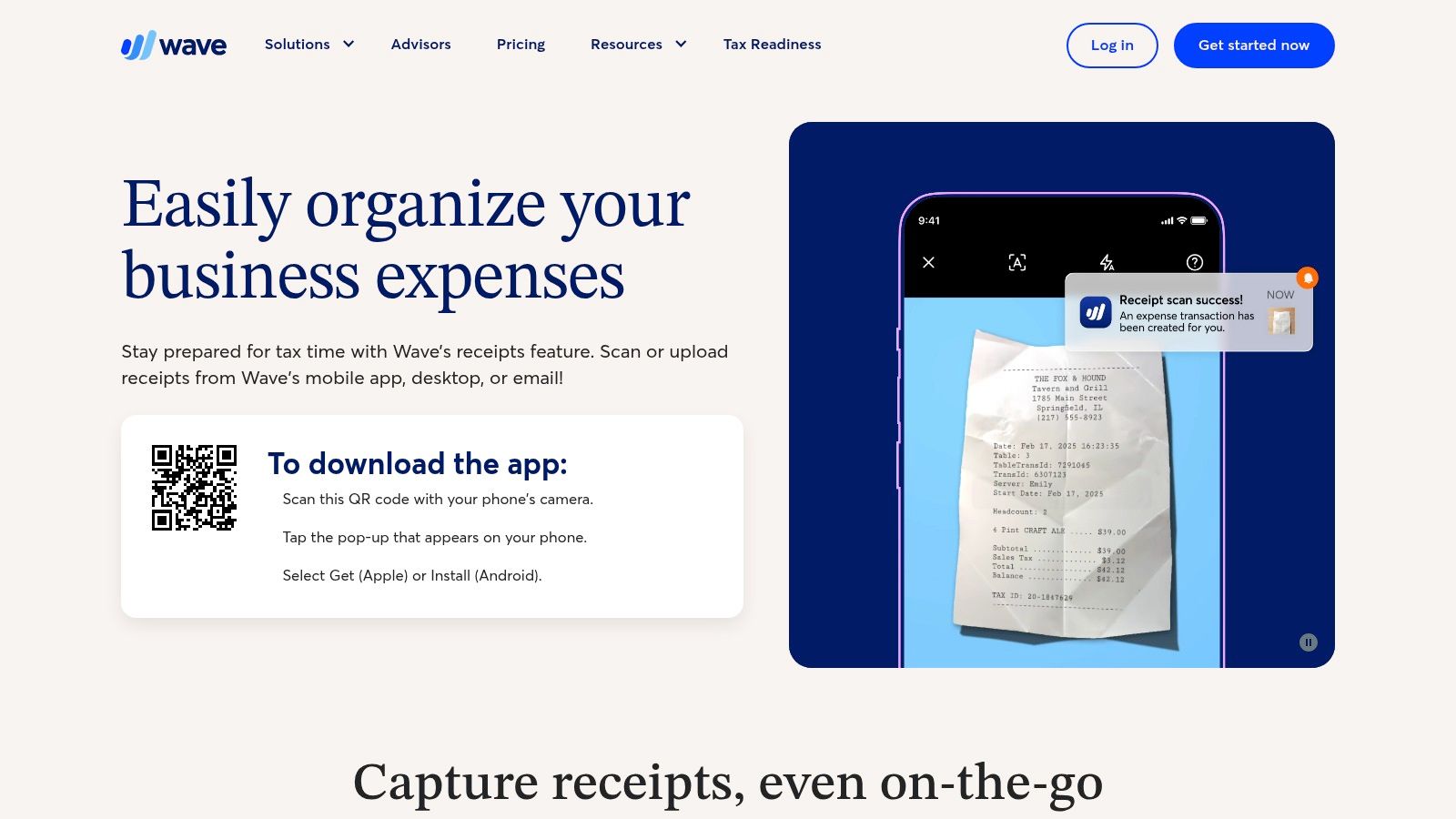
Wave targets small businesses and freelancers who want receipt digitization connected to accounting without adopting an elaborate expense-report environment. Its Receipts feature supports mobile scanning, desktop uploads, and email forwarding. On the Receipts or Pro plan, unlimited OCR scans can create expense transactions in the books. The current feature and plan structure is described on Wave Receipts.
The workflow is straightforward for a side hustle. Capture a receipt, review the extracted information, and let the expense become part of the accounting record. Mobile and web access help users who collect documents in different places, while the Pro bundle can make sense when more accounting functions are already needed. Wave is therefore closer to QuickBooks Online than to Divvy, even though a freelancer may also use it as a basic category-based spending record.
Low friction for business receipts
Wave's weakness is equally clear. Its budgeting is basic compared with a dedicated consumer budget app, and some receipt functionality is locked behind the Receipts or Pro subscription. It doesn't provide item-level group settlement, shared-plate assignment, or automated reminders to friends who owe money.
Wave also isn't a substitute for tax judgment. A digitized receipt can support a record, but it doesn't decide whether an expense is deductible or how a business should treat mixed personal and commercial purchases. Review the category and transaction before relying on it. The app fits a freelancer who wants receipts to flow into books. It doesn't fit a household that wants to understand individual grocery items or settle a restaurant tab.
6. Everlance
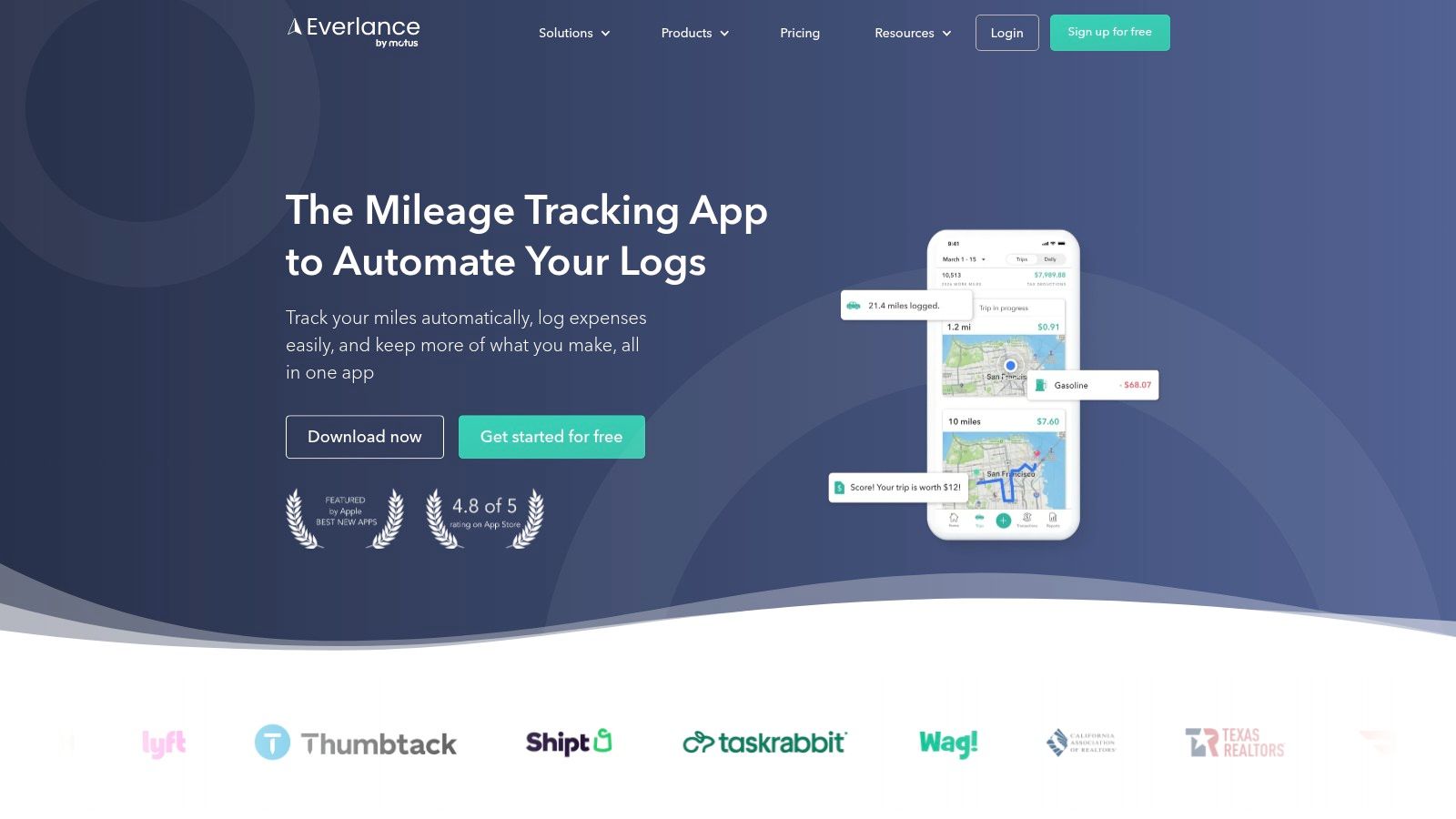
Everlance is built around the combined problem of freelance expenses and mileage. Users can upload receipt photos on the free tier, export records to CSV or Excel, and produce reports intended for tax documentation. Paid tiers add automated mileage tracking and more advanced automation. Visit Everlance to verify the current plan options before committing.
This makes Everlance a practical choice for a contractor who needs to preserve receipts while also tracking travel. It's simpler than a full accounting platform, but more relevant to self-employed work than a consumer app that only shows spending categories. A receipt image, category, mileage record, and export can form a useful handoff to an accountant or spreadsheet.
A record keeper, not a goal-based budget
Everlance doesn't offer the deep envelope, sinking-fund, or savings-goal structure that some personal finance users expect from budgeting software. It also doesn't solve group payments. If a user's main problem is knowing which friend ordered a shared dish, mileage tracking adds complexity without addressing the actual friction.
The free receipt-upload capability is attractive, but users should separate unlimited upload from unlimited automation. Automatic mileage and advanced workflows require paid tiers, so the plan should be judged by the complete process rather than the initial upload step. Everlance is strongest when a freelancer wants a clear expense and mileage record with exports. It's not the best tool for a household trying to replace manual bill splitting.
7. Smart Receipts
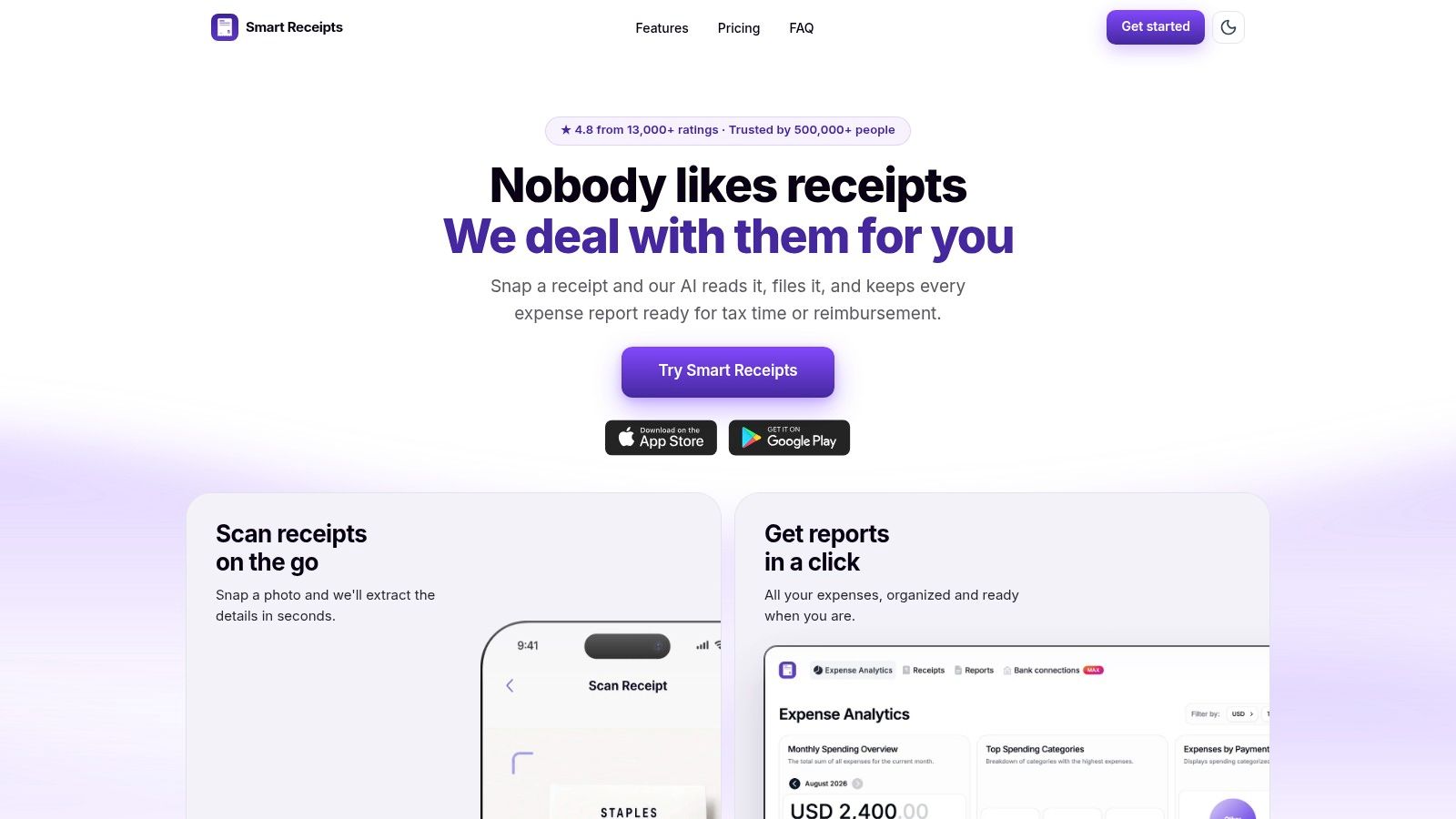
Smart Receipts prioritizes receipt organization and report construction. Its AI-powered OCR, tags, custom fields, multi-currency support, mileage tracking, and PDF, CSV, and ZIP report tools make it useful for travelers, freelancers, and employees preparing reimbursement or tax documentation. It works across iOS and Android, which gives it a broader platform fit than an iPhone-only product. See the current capabilities at Smart Receipts.
The app's flexible fields are more important than a polished budgeting dashboard. A user can build a report around the information an accountant, employer, or client needs, then export the result. Optional bank connection is available for users in the United States and Canada, but it isn't the defining workflow. That gives privacy-conscious users a way to keep receipt logging separate from bank aggregation, subject to the app's current storage and backup terms.
Flexible reports with light budgeting
Some report and backup features require a subscription, so users should check which export and cloud options are available on their chosen plan. Smart Receipts also shouldn't be confused with an item-level household tracker. A receipt archive and categorized report can document the purchase, but they may not create the editable product-by-product data needed to analyze what a household bought.
Privacy question: Before enabling bank connections or cloud backup, confirm whether receipt images are retained, how deletion works, and which services process the files.
Smart Receipts is a good cross-platform compromise for people who need reports more than live budgeting. It's especially useful when currencies, custom fields, and export formats matter. It's a poor fit when the next action after scanning is sending each diner a precise payment request.
8. Shoeboxed
Shoeboxed addresses a problem that most mobile scanners ignore: the receipt backlog. Users can scan receipts through the app, upload documents, or use the mail-in Magic Envelope service for paper receipts. OCR, PDF reporting, mileage tracking, and exports to QuickBooks and Xero make it relevant to people who need an organized archive or accounting handoff. Review the current service at Shoeboxed.
The mail-in option is the differentiator. Someone with a drawer full of paper receipts may value outsourced digitization more than another camera interface. That workflow can save manual capture time, but it also means the user must understand the handling of physical originals, processing terms, returned documents, and plan limits before sending anything sensitive.
Best for backlogs and audit-ready files
Shoeboxed isn't a deep consumer budgeting app. It can support budgeting by category and create useful reports, but it won't provide the same household spending analysis as a purpose-built budget platform. It also doesn't replace per-item bill settlement. Its value lies in turning scattered paper into searchable, exportable records.
Pricing can be higher than a do-it-yourself scanner when there's no backlog or mail-in need. That tradeoff is rational for a paper-heavy freelancer or small business, but excessive for someone who receives a few digital receipts. Compare the service by the labor it removes, not by OCR alone. If the main problem is a box of paper documents, Shoeboxed has a clearer job than most apps in this list.
9. Spendee
Spendee is the strongest consumer-budgeting option among these picks for people who want receipt capture inside a broader personal finance interface. Its Magic AI Scan turns receipt photos into categorized transactions, while multi-wallet budgets, spending insights, and optional bank sync support an ongoing view of personal finances. The feature is a Premium capability, so check the current access rules on Spendee.
Spendee starts with the budget rather than the document. That matters for someone who buys something with cash and wants the purchase reflected in a wallet or category without typing every field. The interface is more approachable for everyday spending control than an accounting ledger or business expense-report system.
Better for categories than item-level allocation
Spendee's receipt scan should be judged as a way to reduce manual transaction entry, not as a replacement for Divvy's per-item assignment. A categorized total may be enough for personal spending trends, but it won't necessarily tell a group who consumed which dish or allocate tax and tip between diners. Bank sync and some analytics also require a subscription, which creates a plan decision beyond the Premium OCR feature.
The difference between budgeting and settlement becomes important here. Spendee helps a user understand where money went. Divvy helps several people determine what each person owes and collect it. Both can involve a receipt, but they produce different outcomes. Choose Spendee when category visibility is the goal and cash purchases are the missing part of the budget.
10. Foreceipt
A freelancer who photographs receipts on a phone, corrects a misread total, and later sends organized records to an accountant gets a focused capture-to-report workflow from Foreceipt. Its AI receipt scanner extracts date, merchant, and amount, while a web portal keeps mobile and desktop records synchronized. Email import, CSV and PDF bulk imports, tax and expense reports, multi-currency support, and accountant sharing support freelancer documentation. The product is available through Foreceipt.
The main advantage is control without an enterprise expense platform. After scanning, users can edit extracted fields, organize expenses, and prepare reports. That makes Foreceipt more useful for maintaining evidence and reducing manual entry than for building a household budget. It stores and organizes receipt data, but it does not replace a bank-led budgeting system or provide the item-level settlement workflow associated with Divvy.
Straightforward records with fewer integrations
Foreceipt offers fewer third-party integrations than larger business expense tools, and its full feature set requires a subscription. Its platform fit is practical for users who want both mobile capture and web-based review, although teams should confirm current export, sharing, and accountant workflows before committing.
OCR still requires review. Receipt layouts, languages, and business contexts can produce misread merchants or totals. Because Foreceipt exposes editable fields after scanning, the practical test is how quickly a user can correct those errors before they reach a report. Tax reporting is included, but the described workflow does not establish item-level tax or tip allocation, so it should not be treated as a bill-splitting tool.
Privacy also deserves a plan-level check, especially when receipts contain personal, payment, or business information. Review storage, sharing, and access controls before sending records to an accountant.
Foreceipt suits freelancers who need organized documentation, reports, and accountant access. It is less suitable for instant social reimbursement or a full household budget with bank-led analytics.
Top 10 Receipt Scanner Budget Apps Comparison
| Product | Key features | UX & OCR (★) | Price / Value (💰) | Best for (👥) | Standout (✨) |
|---|---|---|---|---|---|
| 🏆 Divvy | AI receipt scan; per-item splits; auto tax & tip; one-tap Venmo/Apple Pay requests | 4.7★ iOS-first, accurate OCR, fast item assignment | Free + Divvy Pro (unlimited scans) 💰 | Friends, roommates, trips 👥 | Per-item split + payment requests without requiring others to install ✨ |
| Expensify | Unlimited SmartScan, email-forward, expense reports | ★★★★ reliable OCR; report-oriented | Free individual (unlimited scans); paid workspaces 💰 | Individuals & teams needing expense reports 👥 | Truly unlimited SmartScan on free tier ✨ |
| Zoho Expense | Autoscan (38+ langs), line-item capture (paid), approvals | ★★★★ scalable OCR; business UX | Free up to 3 users; paid plans for line-item capture 💰 | Small businesses & teams 👥 | Line-item capture + policy/approval controls ✨ |
| QuickBooks Online | Snap receipt OCR; auto-link to QBO transactions | ★★★ accounting-focused OCR; ledger integration | Requires QBO subscription 💰 | Small businesses using QuickBooks 👥 | Direct ledger attachment & audit trail ✨ |
| Wave | Mobile scans + email, receipts add-on, auto-create expenses | ★★★ simple accounting UX | Low-cost Receipts/Pro add-on; unlimited scans on plan 💰 | Freelancers & side hustles 👥 | Affordable receipts add-on tied to books ✨ |
| Everlance | Receipt uploads (free); mileage tracking; exports | ★★★ straightforward capture; unlimited uploads | Free unlimited uploads; paid for auto-mileage 💰 | Freelancers & gig workers 👥 | Mileage + receipt tracking for IRS reporting ✨ |
| Smart Receipts | OCR, PDF/CSV reports, tagging, multi-currency | ★★★ flexible reporting; iOS & Android | Core free; some features/subscriptions for export/cloud 💰 | Travelers, tax preparers, small businesses 👥 | Very flexible exports & customizable reports ✨ |
| Shoeboxed | Mobile + mail-in scanning, OCR, integrations | ★★★ good bulk digitization UX | Higher pricing for mail-in service 💰 | Users with large paper receipt backlog 👥 | Mail-in "Magic Envelope" bulk scanning service ✨ |
| Spendee | Magic AI Scan (Premium), multi-wallet budgets, bank sync | ★★★ friendly budgeting UI; OCR on Premium | Premium for OCR & sync; freemium tiers 💰 | Personal budgeters who use cash & receipts 👥 | Visual budgeting + AI receipt scan (Premium) ✨ |
| Foreceipt | AI scanner, web portal, tax & expense reports | ★★★ capture-to-report simplicity | Subscription for full features 💰 | Self-employed & contractors 👥 | Simple tax/expense report workflow with exports ✨ |
Choose the Workflow You Will Actually Use
The best receipt scanner budget app isn't the one with the most features. It's the one that produces the record or action you need without adding a second manual process. A receipt image, a categorized transaction, an itemized split, an expense report, and a ledger attachment are different outputs. Comparing them as if they were interchangeable leads to disappointing choices.
Choose Divvy for iPhone-based restaurant, roommate, and trip settlement. It reads the receipt at the line-item level, lets people assign individual or shared dishes, allocates tax and tip proportionally, and creates payment requests through familiar consumer payment apps. That workflow is especially relevant because digital payment behavior is now widespread. The World Bank's Global Findex 2025 research surveyed approximately 145,000 adults across 141 economies and found that 62% of adults made or received a digital payment in 2024, as reported in this summary of the Global Findex findings. A receipt app that stops at storage misses the opportunity to connect capture with settlement.
Choose Expensify when you want simple personal expense capture that can expand into reimbursements, mileage, reports, and team workflows. Choose Spendee when a friendly personal budget and category view matter more than tax documentation. Choose Everlance or Foreceipt for freelancer records, especially when mileage, reports, exports, or accountant sharing are part of the routine. Choose Smart Receipts when flexible reports, custom fields, currencies, and cross-platform access are more important than a rich budgeting experience. Choose Shoeboxed when paper receipts have accumulated and outsourcing digitization is worth the cost. Choose QuickBooks Online or Wave when the receipt needs to become part of an accounting system rather than remain a separate archive.
Before paying for any plan, test a representative receipt. Use one with multiple line items, tax, tip, a shared dish, and unclear or compressed formatting. Confirm that the app reads the fields you need, not just the merchant and final total.
Use this decision check:
- Platform fit: Confirm that the app runs on your phone and supports the devices your group, accountant, or team uses.
- Extraction depth: Check whether it stores an image, reads summary fields, or creates editable line items.
- Correction workflow: Fix uncertain item names, prices, tax, tip, and categories before saving or sending a payment request.
- Plan limits: Verify scan allowances, OCR access, mileage automation, report exports, bank sync, and team features.
- Integration outcome: Decide whether you need payment requests, CSV or PDF files, accountant sharing, or a direct accounting connection.
- Privacy controls: Review cloud processing, image retention, deletion controls, third-party AI processors, encryption, account requirements, and bank-linking terms.
- Workflow friction: Ask what happens after the scan. If you still have to retype totals, divide tax manually, or chase every reimbursement, the app may only be storing receipts.
For growing businesses, the choice also depends on how records will move from capture to bookkeeping. This guide to choosing accounting software can help frame that decision, but the final test should be your own receipt and reporting process. A tool that looks impressive in a feature list can still fail when the paper is faded, the bill contains shared items, or the person who owes you money refuses to create an account.
Divvy is built for the part most receipt apps leave unfinished, turning a photographed bill into fair item-level shares and payment requests. It reads line items, tax, and tip on iPhone, then helps groups settle through familiar payment apps without requiring every friend to join. Visit Divvy to see whether it fits your restaurant, roommate, or trip-expense workflow.